In this article
There is no single Java 8 end of life date. One application's date depends on four facts: whose build it runs, on which operating system or container image, under which support phase, and where its fixes come from. Together, these facts are the application's support channel: who stands behind the Java it runs, and on what terms.
Identify the runtime the application executes
The dates that count belong to the Java the server process runs, and a workstation or build image can hold a different one. Start from the executable file that started the process. On Linux, /proc/<pid>/exe is a link to that file, and reading it needs access rights to the process. On Windows, the ExecutablePath property of Win32_Process holds the same path.
Run that same executable with -version and with -XshowSettings:properties -version, two options in the reference for the java command. Then ask which package owns the file: rpm -qf <path> on RPM-based systems such as RHEL, or dpkg -S <path> on Debian and Ubuntu. Together they identify the runtime distribution: the build the process runs and who published it.
Below is real output from two Java 8 JRE builds, unpacked from the official Windows x64 archives of Adoptium and AWS.
> java -version
openjdk version "1.8.0_512"
OpenJDK Runtime Environment (Temurin)(build 1.8.0_512-b09)
OpenJDK 64-Bit Server VM (Temurin)(build 25.512-b09, mixed mode)

> java -XshowSettings:properties -version
Property settings:
    ...
    java.runtime.version = 1.8.0_512-b09
    ...
    java.specification.vendor = Oracle Corporation
    java.specification.version = 1.8
    java.vendor = Temurin
    java.vendor.url = https://adoptium.net/
    ...
    java.vm.vendor = Temurin
...> java -XshowSettings:properties -version
Property settings:
...
java.runtime.version = 1.8.0_514-b01
...
java.specification.vendor = Oracle Corporation
java.specification.version = 1.8
java.vendor = Amazon.com Inc.
java.vendor.url = https://aws.amazon.com/corretto/
...
> type release
JAVA_VERSION="1.8.0_514"
OS_NAME="Windows"
OS_VERSION="5.2"
OS_ARCH="amd64"
LIBC=""
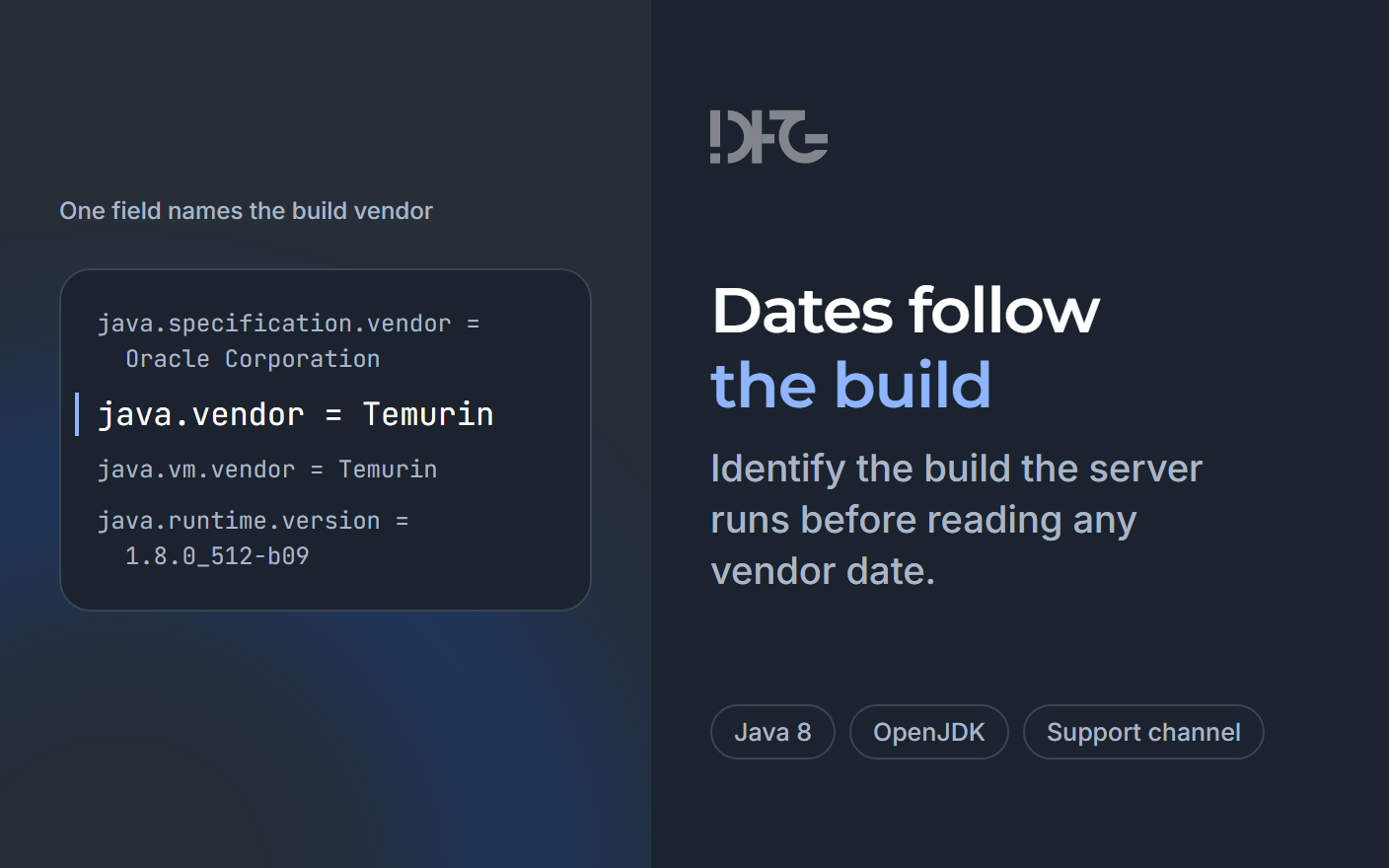
SOURCE=""In both builds, java.specification.vendor says Oracle Corporation. That field names the owner of the Java SE specification, not the vendor of the build. The build vendor is in java.vendor: Temurin in one block, Amazon.com Inc. in the other.
The release file in the runtime folder names the build vendor only sometimes. Temurin's file has an IMPLEMENTOR line with Eclipse Adoptium; the Corretto file above has none.
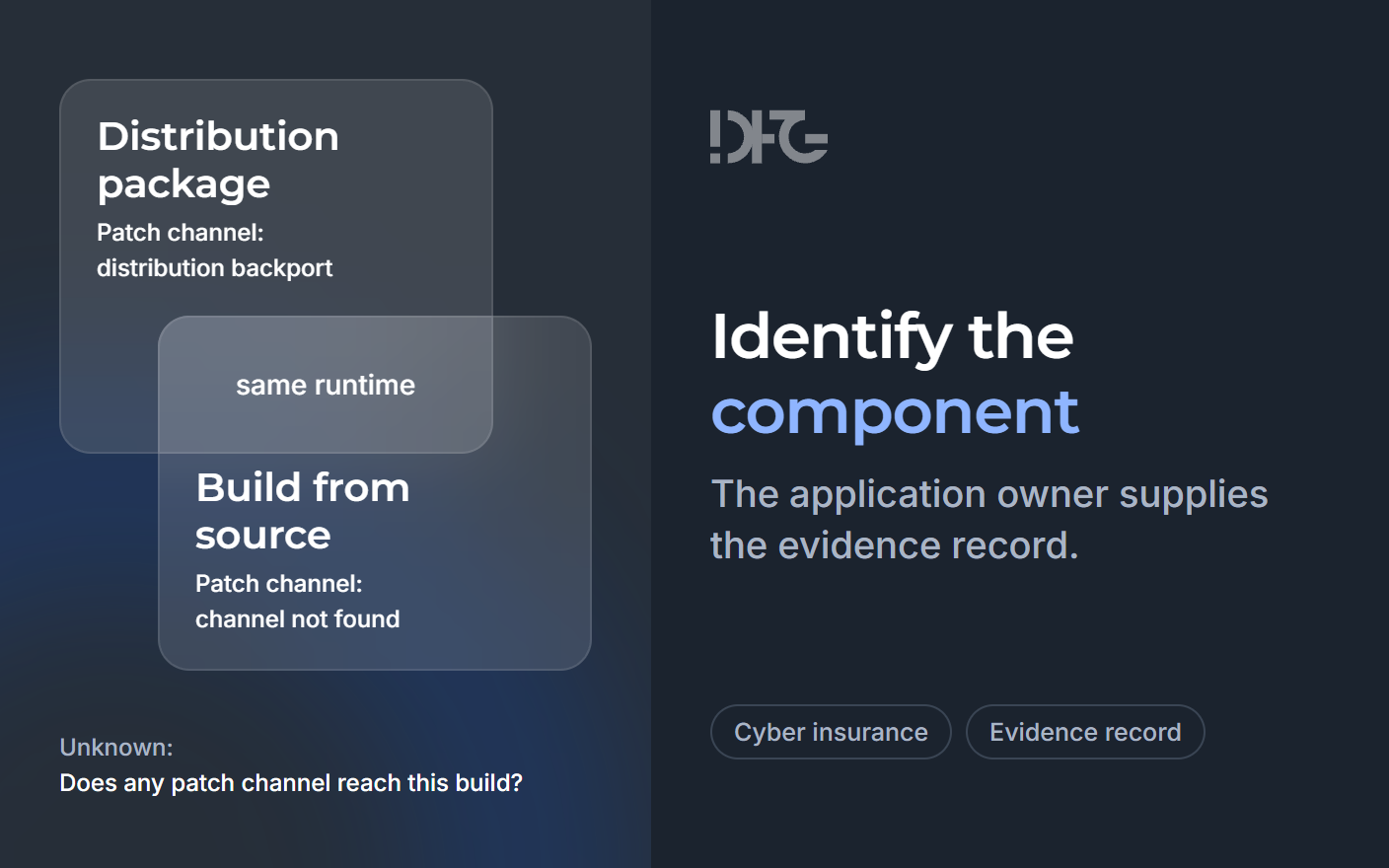
Labels on a container image describe who published the image, not always who built the Java inside. Microsoft publishes OpenJDK 8 container images to the Microsoft Container Registry, yet those images ship Eclipse Temurin binaries. A release number such as 8u512 does not name a vendor either: Ubuntu publishes its own openjdk-8-jre-headless package with the same number.
Record distribution, OS and patch source
Write the answers down as a record: a short list of facts about the Java one application runs, each with its source.
| What to find out | Where to read it | What it shows |
|---|---|---|
| Runtime of the running process | Executable path of the process | Which Java the application really uses |
| Build vendor | java.vendor, java -version, owning package |
Whose dates and support terms apply |
| OS or container image | OS release on the server; image tag and digest | Which OS conditions on vendor pages apply |
| Who releases, delivers and applies fixes | Vendor, package repository, update owner | Where the next fix comes from |
| Support evidence | Contract, subscription or entitlement | Whether a support phase covers this build |
Separate support phases and delivery channels
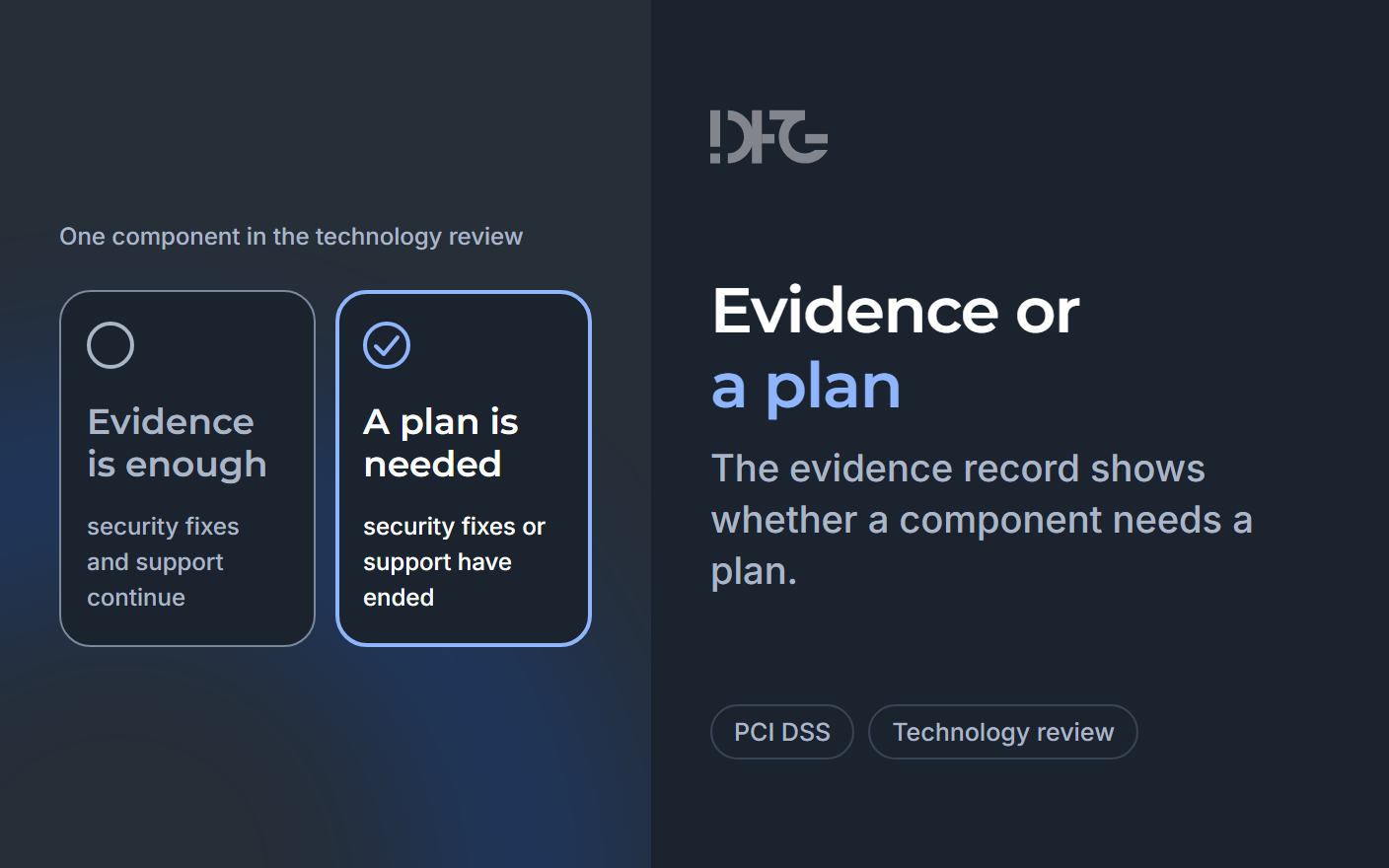
Search results for Java 8 end of support mix dates with different meanings. One date closes a commercial support phase. Another marks how long a project plans to publish free builds. A vendor's Java 8 support lifecycle covers only the builds and the customers it names.
For Oracle customers, Oracle's Java SE Support Roadmap lists Premier Support for Java SE 8 to March 2022, Extended Support to December 2030 and Sustaining Support with no end date. It says Java SE 8 went through End of Permissive Licensing in April 2019. From the 2019-04-16 update, Oracle customers get updates for commercial use through My Oracle Support. Free public updates for personal and development users continue through java.com, indefinitely by Oracle's wording.
Fixes also reach servers differently: Red Hat ships four OpenJDK 8 updates a year, and AWS plans quarterly Corretto updates at no cost. Someone still applies each update on the server, and that owner is part of the support channel.
Compare vendor-owned evidence
A single column of OpenJDK 8 end of life dates mixes these meanings. The first table shows who sells support for a Java 8 build and to what date; the second shows free builds and updates that need no support contract. In the first table, ELS-1 is Red Hat's Extended Life Cycle Support phase. Each row links to the vendor's page, with its revision date where the vendor prints one.
| Build and vendor page | What the date marks | Date |
|---|---|---|
| Oracle Java SE 8, updated 2026-10-20 | Extended Support for Oracle customers | December 2030 |
| Red Hat build of OpenJDK 8, updated 2026-08-13 | End of full support | 2026-11-30 |
| Red Hat build of OpenJDK 8, ELS-1 | End of ELS-1, with a separate ELS entitlement | 2032-12-31 |
| Eclipse Temurin 8 with Red Hat support | End of full support; end of ELS-1 | 2026-11-30; 2032-12-31 |
| Azul Core for Java 8 | End of Production Support, plus 2 years Extended Support | December 2030 |
| Build and vendor page | What the date covers | Date |
|---|---|---|
| Eclipse Temurin 8, Adoptium | Availability of new builds, not a support term | At least December 2030 |
| Amazon Corretto 8, AWS | Free quarterly updates, separate from AWS Support Plans | Last planned update October 2030; end of life December 2030 |
The same Temurin 8 build sits in both tables: Red Hat's dates cover its support for that build, and Adoptium's date covers new builds. Azul's roadmap dates cover its commercial products, such as Azul Core; Azul's roadmap gives no separate end date for its free Zulu builds.
Build a dated support-channel record
A dated record keeps each support fact next to its vendor page and date. Each support channel also sets conditions on the operating system or the contract:
- Red Hat lists its OpenJDK 8 build for RHEL 6.6, 7.1+, 8.0+ and 9.0+, Windows Server 2012 R2 to 2022, and Windows 10 and 11. On RHEL, a Red Hat Enterprise Linux subscription includes the entitlement; on Windows, workloads outside Red Hat Middleware need a separate OpenJDK subscription. On RHEL 6, the last OpenJDK 8 update was 1.8.0_275.
- Red Hat support for Eclipse Temurin 8 has its own list. It covers RHEL 8.0+, 9.0+ and 10.0+, Ubuntu LTS releases 18.04 to 26.04, SLES 15, Windows Server 2012 R2 to 2025, and Windows 10 and 11. On macOS, it gives developer support.
- AWS lists Corretto 8 for Windows 10 or later, Windows Server 2016 to 2025, macOS versions that Apple patches, and named Linux distributions such as RHEL 6+ and Ubuntu 14+. Its free updates need no support plan; customers with an AWS Support Plan get help with Corretto through it.
- Oracle's dates apply to Oracle customers, such as holders of an active Java SE Subscription.
Red Hat lists 2026-11-30 as the end of full support for its OpenJDK 8 build. It lists 2032-12-31 as the end of ELS-1, a later Extended Life Cycle Support phase that needs a separate ELS entitlement. Red Hat marks the full-support date and some RHEL versions with an asterisk that its page does not explain; the conditions are a question for Red Hat.
Each date here is as the vendor's page states it; check the page again before a decision rests on it.
Work through an illustrative unknown
A claims service runs on Java 8. On a developer workstation, java -version shows 8u512 and the word Temurin. The build repository names the eclipse-temurin:8 image. The production server runs RHEL 8 and starts the service with java, without a full path. The deployment log records the Java version but not the vendor.
None of these clues identifies the Java the server process runs: the workstation is another machine, the image may differ from the server, and 8u512 names no vendor. Until evidence answers these questions, the build vendor and the support phase stay unknown:
- Which executable file started the service process on the server?
- Which package owns that file, and which repository did it come from?
- Does the Java on the server match the Java in the build image?
- Who applies Java updates on that server, and when was the last one applied?
- Does the team hold a support entitlement for that build, including ELS after full support?
- Which support phase does the vendor's page list for that build on RHEL 8?
Distinguish runtime status from framework status
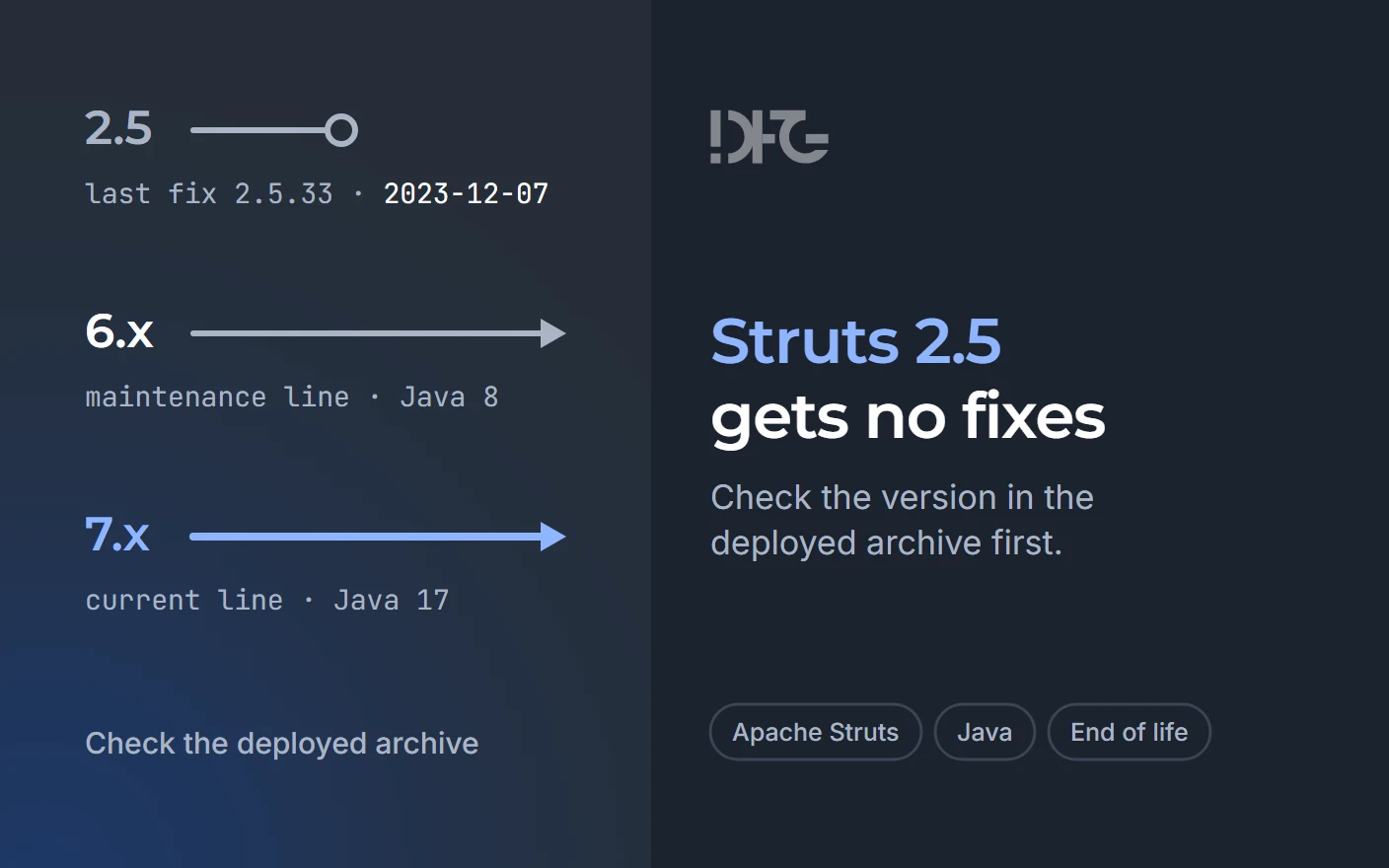
If the application also uses Struts, check a Struts application before deciding: a framework branch has its own fix status.
If WebSphere or AIX holds the application in place, identify a WebSphere application blocker: the specific dependency that ties one application to that platform. The Struts article covers fixes for a framework branch, the WebSphere article covers that platform dependency, and this article covers who supports the Java runtime.
IBM states no planned end-of-support date for WebSphere 8.5.5 and 9.0.5. The Java inside may be IBM SDK, Java Technology Edition, Version 8, which IBM lists with security updates to 2030-12-31.
Compare sufficient support and environment options
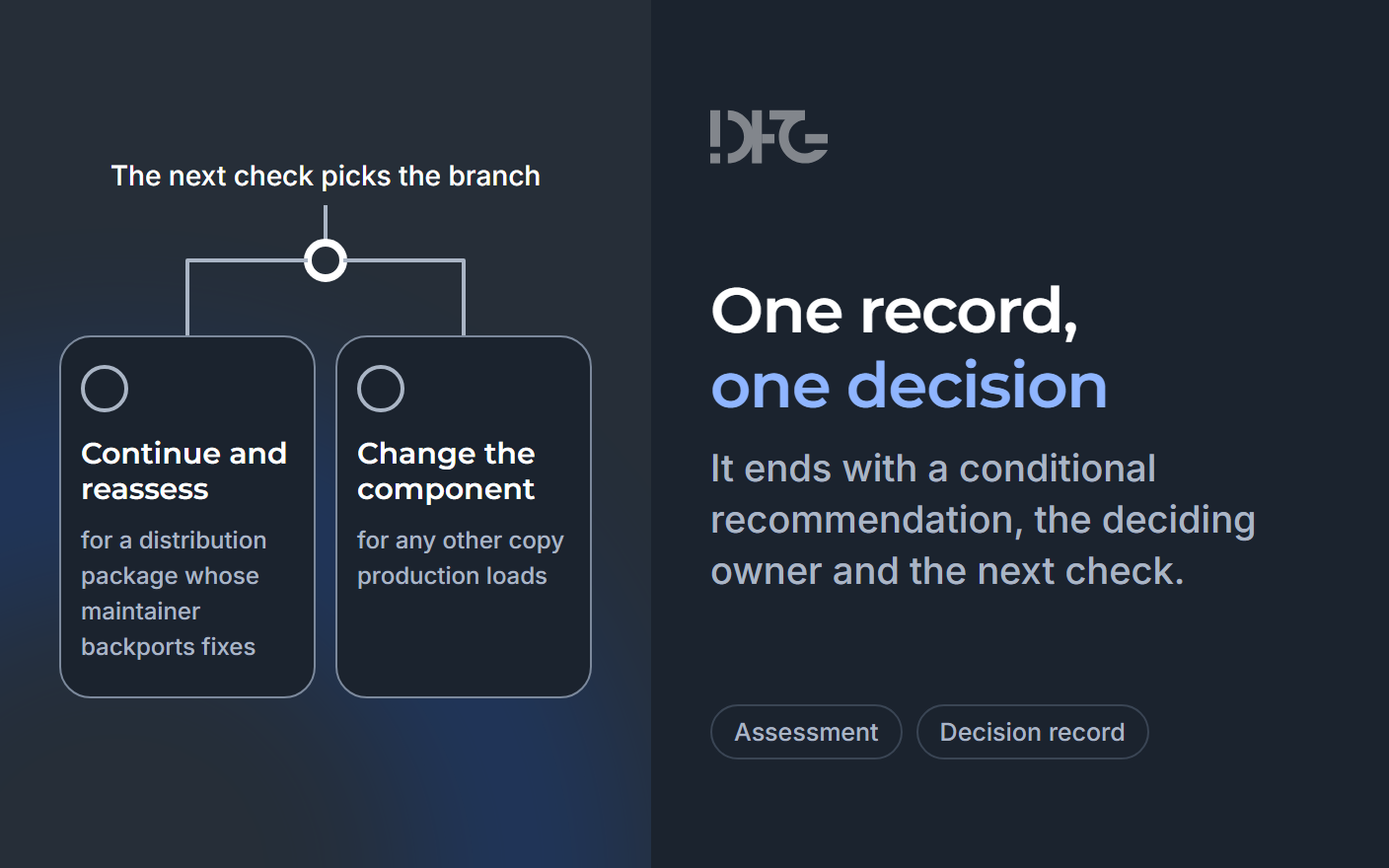
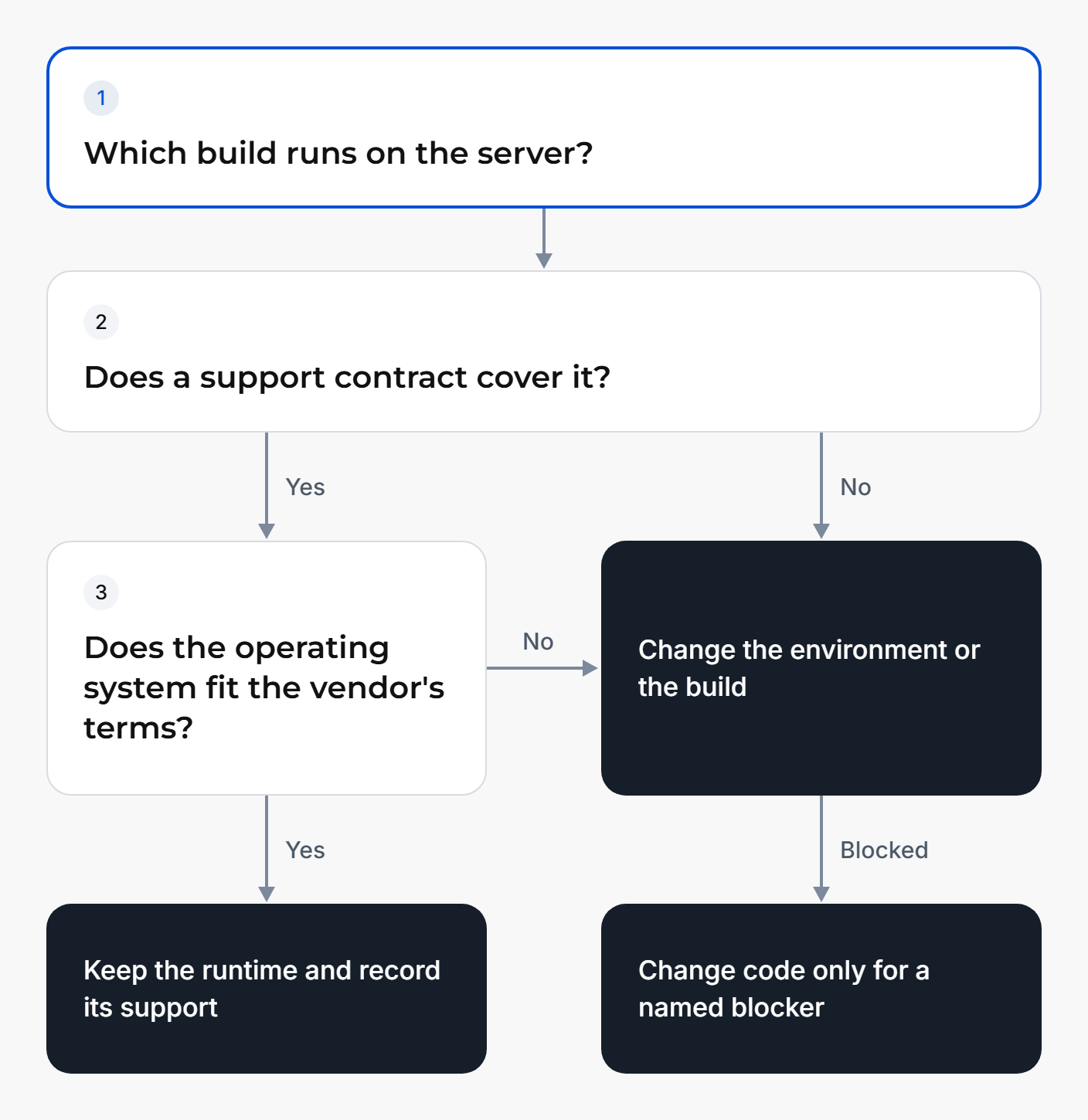
Compare support and environment options before any code work. With the record filled in, three checks follow: which build runs on the server, whether a support contract covers it, and whether the OS fits the vendor's terms. The answers lead to one of three steps: keep the runtime and record its support, change the environment or the build, or change code only for a named blocker.
Define application work only for a real blocker
Code work starts only when a named blocker stands in the way: a specific component or workflow that fails on the build or environment the team chose. A Java 8 support status alone shows neither that the code must change nor that the application breaks a standard. Release to production and any later Java version move remain separate decisions.
Record the evidence, owner and remaining uncertainty
Finish the record with the evidence behind each fact, the person who owns the decision and what is still unknown. An unknown stays unknown until evidence settles it; a guess does not fill the field. Then name the smallest decision that remains, such as confirming an entitlement for the build in place or choosing which build the server should run.
Know who supports your Java 8
A finished record shows whose build runs, what covers it and what is still open, so the next step can stay small. If one application is blocking a platform step, bring the component, version and workflow to discuss the next justified result. On the request form, choose Java in the Technology field, then discuss one application.
Frequently asked questions
Does Java 8 have one universal end-of-life date?
No. Java 8 end of life depends on whose build runs and which support phase covers it. Oracle lists Extended Support for its customers to December 2030, while Red Hat, Azul, Adoptium and AWS date their own builds.
Is Oracle JDK 8 support the same as OpenJDK 8 support?
No. Oracle's dates cover its own Java SE 8 for Oracle customers. OpenJDK 8 end of life differs by vendor. Red Hat lists full support for its OpenJDK 8 build to 2026-11-30; support after that date needs a separate ELS entitlement. Other vendors set their own terms.
Does the end of public updates mean that no patches exist?
No. Patch availability depends on the support channel. Oracle customers get commercial-use updates through My Oracle Support, and free public updates continue for personal and development use through java.com. Other vendors ship fixes for their own builds.
How do we identify the runtime actually used by the application?
Start from the running process, not a developer workstation. Find the executable that started it and run it with the version option, then with the option that prints system properties. Read java.vendor, and ask the package manager which package owns the file.
Is binary availability the same as commercial support?
No. Adoptium plans to publish Temurin 8 builds until at least December 2030, but Eclipse offers no support with service level agreements and points to commercial companies. Commercial support terms come from a vendor contract for a named build.
Can the operating system limit a Java support arrangement?
Yes. Red Hat lists its OpenJDK 8 build for named RHEL and Windows versions, and its Temurin 8 support covers a different list. Where a vendor names a supported operating system, compare the server with that list.
Does Java 8 support status prove that application code must change?
No. The status shows who supports the build and to what date, not whether the code fails elsewhere. After the checks, one of three steps follows: keep the runtime and record its support, change the environment or the build, or change code only for a named blocker.
How do Java runtime, Struts and WebSphere support differ?
They answer separate questions. The runtime question asks who ships fixes for the Java build. The Struts question asks whether the framework branch gets fixes. The WebSphere question asks what ties one application to that platform or to AIX.